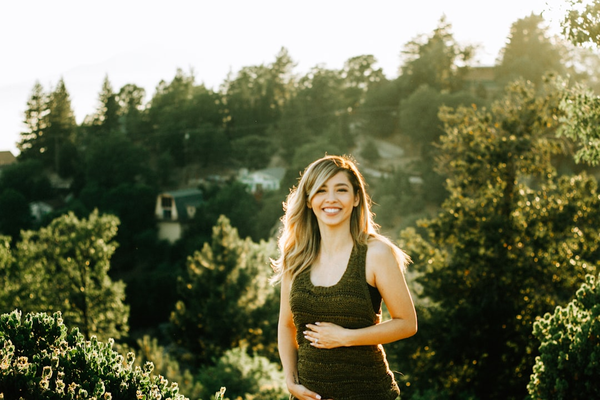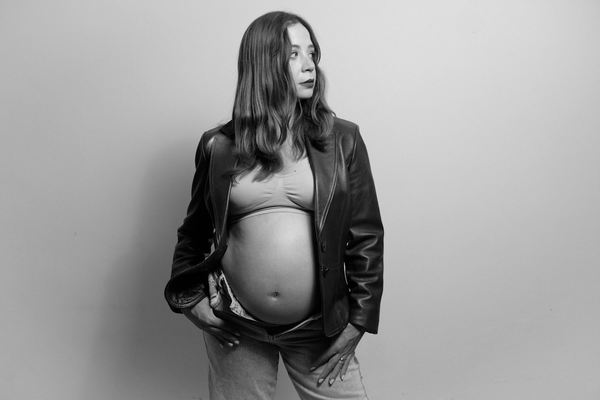
Yes, you can generate a genuinely nice-looking maternity photo using ChatGPT or Gemini (including Google's "Nano Banana" image model) — both can take an uploaded photo and restyle it into something that looks like a styled portrait, and they're better at preserving your actual face than you might expect. Below are real prompt templates you can copy and use right now, followed by an honest look at the specific friction points — daily limits, watermarks, and the prompt-writing itself — that are worth knowing before you spend your evening on it.
Key takeaways
- ChatGPT and Gemini can both produce realistic-looking maternity-style portraits from an uploaded photo — copy-paste prompts below
- "Nano Banana" is Google's nickname for its Gemini image model (Nano Banana Pro = the Gemini 3 Pro Image model, released November 2025), not a separate app
- Face consistency has genuinely improved — Nano Banana Pro is built to preserve identity across edits, so this isn't the weak point it used to be
- The real friction points are practical, not creative: tiny free daily quotas (2–3 images), a visible watermark on free and mid-tier images, and the fact that you're writing and refining prompts yourself every time
What "Nano Banana" actually is
If you've seen "Nano Banana maternity photoshoot" as a search term and weren't sure what it meant: Nano Banana is the nickname for Google's Gemini image generation and editing model — not a separate app you download. The name has an oddly specific origin: the model first appeared anonymously on the AI benchmarking site LMArena on August 12, 2025, and after two weeks of speculation about which company had built it, Google confirmed on August 26, 2025 that it was Gemini 2.5 Flash Image, reportedly named after an internal nickname for a Google DeepMind product manager (Wikipedia). Nano Banana Pro, released November 20, 2025, is the newer, more advanced version, built on Gemini 3 Pro, with stronger multi-image consistency and higher-resolution output (Google DeepMind). When people talk about using "Nano Banana" for maternity photos, they simply mean uploading a photo to the Gemini app and prompting it to restyle that photo.
Copy-paste prompts that actually work
For both tools, start by uploading a clear, well-lit, front-facing photo of yourself — the prompt does the restyling, but the source photo does most of the work in determining how good the result looks.
Gemini (Nano Banana) prompt:
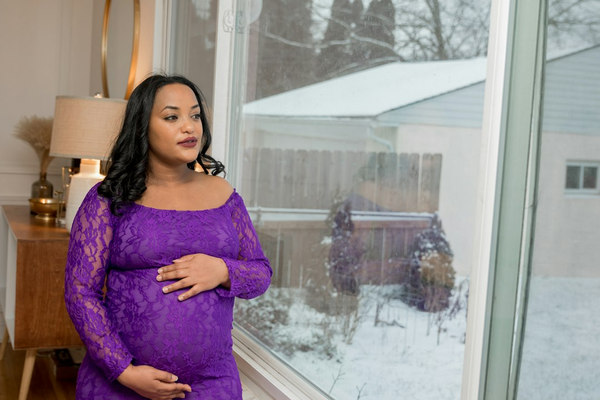
"Using this photo as reference, keep my face, skin tone, and features exactly the same. Restyle this into a professional maternity portrait: soft natural window light, a warm neutral-toned room in the background, wearing a flowing beige or sage green maternity dress that drapes naturally over the belly, one hand resting gently on the bump. Photorealistic, shot on a full-frame camera, shallow depth of field, warm color grading."
ChatGPT prompt:
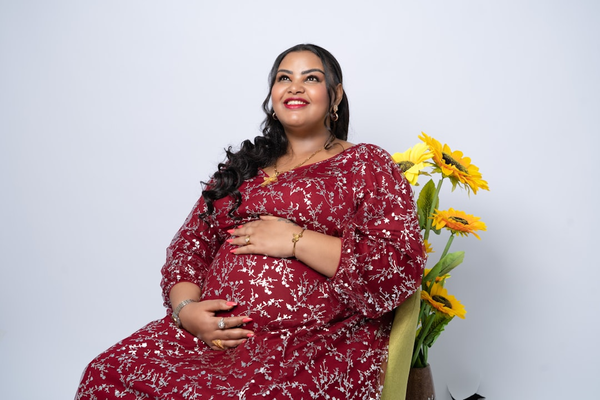
"Edit this photo into a professional maternity photoshoot style while preserving my face and identity. Studio lighting with a soft gradient backdrop in dusty rose or cream, wearing a fitted white or blush maternity gown, three-quarter angle pose with hands framing the belly. Make it look like a real photograph, not an illustration — natural skin texture, realistic fabric folds, soft shadows."
Both prompts follow the same structure on purpose: explicitly ask the model to preserve your face/identity, describe the lighting and setting concretely, specify the outfit and pose, and add a line reinforcing photorealism. Vague prompts like "make me look pregnant and professional" tend to produce much more generic, less controllable results than prompts with specific, concrete details.
Two more variations worth trying, since the setting and style make a bigger difference than which tool you use:
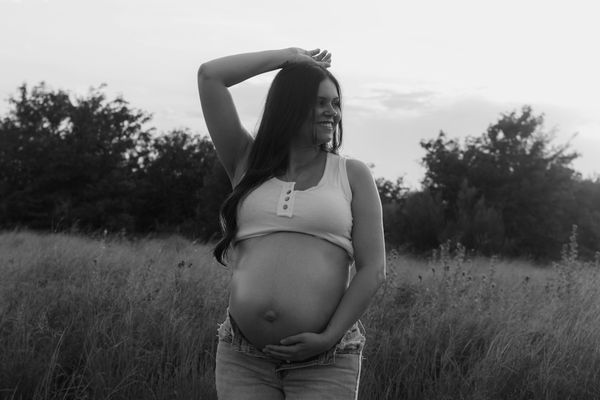
"Keep my face and features exactly as shown in the reference photo. Restyle into an outdoor golden hour maternity portrait: soft warm backlight, a field or garden setting slightly out of focus behind me, wearing a flowing white or cream maternity dress, standing in profile with both hands cradling the belly. Photorealistic, natural film-like color grading, no text or logos in the image."
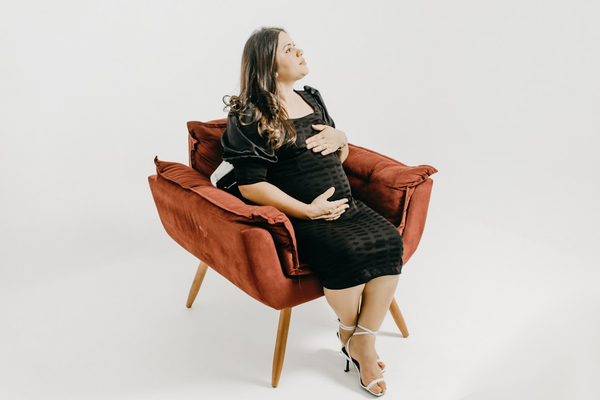
"Preserve my exact face and skin tone from this photo. Convert into a black-and-white fine-art maternity portrait: dramatic side lighting, plain dark studio background, wearing a simple fitted black dress, seated pose with one hand resting on the bump. High contrast, realistic skin texture, shot like a professional portrait photographer's work, not a painting or illustration."
Notice the pattern: reference photo → identity preservation instruction → specific lighting → specific setting → specific outfit and pose → an explicit photorealism cue. Swapping out just the lighting/setting/outfit portion is the fastest way to try several distinct looks without rewriting the whole prompt from scratch each time.
If your first result doesn't look right
A few common problems and the specific fix for each, rather than just regenerating and hoping:
- The face doesn't quite look like you. Add a more forceful instruction near the start of the prompt, such as "Do not alter my facial structure, eye color, or skin tone in any way" — models respond better to explicit constraints stated early than to a general preservation request buried at the end.
- The belly or fabric drape looks unnatural. Add a specific line describing how the fabric should behave, like "fabric drapes naturally over the belly, following its curve, no stretching or distortion at the seams" — this is a narrower request than most default prompts include, and it tends to help.
- The background feels generic or slightly off. Vague setting descriptions ("a nice room") give the model too much freedom; naming specific, concrete details (window position, wall color, a specific piece of furniture) produces more consistent, intentional-looking results.
- The whole image reads as illustrated rather than photographic. Add "shot on a DSLR, 85mm lens, natural film grain, realistic skin pores and texture" — explicitly naming camera and lens details nudges these models toward a photographic rather than painterly interpretation.
Where these tools genuinely do well
It's worth being fair here rather than just listing complaints: Nano Banana Pro specifically is built to maintain "the consistency and resemblance of up to 5 people" across edits and compositions using multiple reference images (Google) — identity preservation, once a real weak point for AI image editing, is genuinely strong in the current generation of these models. If your main worry going in is "will it still look like me," that specific concern is much less of a problem than it was even a year ago.
These tools are also genuinely flexible in a way a fixed set of style presets isn't. Want a specific color palette, a particular decade's aesthetic, or a very specific pose you saw somewhere and liked? You can describe exactly that, in your own words, and iterate on it as many times as your daily quota allows — that level of creative control is a real advantage of the general-purpose, prompt-driven approach over a menu of pre-built styles.
The practical friction points, honestly
The honest limitations aren't really about creative quality — they're practical friction that adds up:
- The free daily quota is small, and every attempt counts against it. Gemini's free tier is limited to roughly 2–3 image generations per day, and paid tiers ($19.99–$99.99/month) raise that ceiling but don't remove it entirely (AI Free API). ChatGPT's free tier sits in a similar range, around 2–3 images per rolling 24-hour window. If your first two attempts come out looking off, you may be waiting until tomorrow to try again.
- Free and mid-tier images carry a visible watermark you can't remove. Google confirms that free and Google AI Pro ($19.99–$49.99/month) users get a visible "Gemini sparkle" watermark on generated images — it's only removed at the $99.99/month Ultra tier (Google). OpenAI has also tested a visible watermark on free-tier ChatGPT images, and all ChatGPT images carry invisible C2PA content-credential metadata regardless of plan.
- You're the prompt engineer. Every detail in the examples above — the lighting, the fabric, the pose, the explicit "preserve my face" instruction — has to be specified by you, and refining a mediocre result usually means rewriting the prompt and trying again, using up more of that limited daily quota.
- There's no maternity-specific safety net. A general chat assistant doesn't know in advance whether your source photo is well-lit enough to produce a good result — you find out after spending one of your few daily attempts, rather than being told upfront.
One more thing worth considering: where your photo actually goes
When you upload a photo to a general-purpose assistant like ChatGPT or Gemini, it's going into a massive, general-purpose consumer platform whose primary job is answering everything from coding questions to travel planning — image uploads there are one small piece of a much broader product, governed by that company's broad, general-purpose data and privacy terms. That's not necessarily a problem, and plenty of people upload personal photos to these tools without a second thought. It's just worth being aware of as a genuine difference from a narrower, single-purpose tool built around one specific task, where the scope of what a photo is used for is inherently more limited by what the product actually does. If that distinction matters to you, it's worth reading whichever platform's current privacy policy applies before uploading anything personal, regardless of which tool you choose.
A side-by-side of the practical differences
| Gemini / ChatGPT (general prompt) | Dedicated maternity photo tool | |
|---|---|---|
| Cost to try | Free, with a small daily cap | Free tier: 30 credits to start |
| Free daily limit | ~2–3 images/day (both tools) | Not day-limited — credit-based |
| Watermark on free output | Visible watermark (Gemini "sparkle"; ChatGPT testing similar) | None reported |
| Prompt writing required | Yes — you write and refine it yourself each time | No — upload and go |
| Wasted attempts on bad photos | Counts against your daily quota either way | Auto-blocked before credits are used |
| Style presets | None — describe everything from scratch | Curated maternity-specific styles |
| Face/identity consistency | Genuinely strong in current models | Also strong, tuned for this exact use case |
So which should you actually use?
If you enjoy prompt-writing, don't mind a watermark, and are fine working within a 2–3-image daily cap, Gemini or ChatGPT can get you a legitimately good result using the prompts above — there's no need to pay for anything just to try it. If you'd rather skip writing and rewriting prompts, want more than two or three shots at getting it right today, and don't want a permanent sparkle watermark on your final image, a purpose-built tool like AI Maternity Photoshoot Lab trades the DIY flexibility for a faster, more predictable process — 30 free credits to start, and photos that don't meet basic requirements are auto-blocked before any credits are spent.
Worth knowing either way: results from any of these tools depend heavily on your source photo — sharp, well-lit, forward-facing shots consistently outperform dark or angled ones, regardless of which tool you use. That single factor probably matters more to your final result than which platform, subscription tier, or prompt-writing style you end up choosing.
Frequently asked questions
Q. What's a good ChatGPT maternity photo prompt? A. Ask it to preserve your face and identity explicitly, then describe the lighting, setting, outfit, and pose in specific detail, and add a line asking for photorealism rather than an illustrated look. See the copy-paste prompt above as a starting template.
Q. What's a good Gemini maternity photo prompt? A. The same structure works: reference the uploaded photo, explicitly ask it to keep your face and features the same, and describe a specific setting, outfit, and pose rather than a vague request. See the Gemini/Nano Banana prompt template above.
Q. What is Nano Banana and how do I use it for maternity photos? A. Nano Banana is Google's nickname for its Gemini image generation model (Nano Banana Pro being the newer, more capable version released in November 2025). To use it, open the Gemini app, upload a clear photo of yourself, and prompt it to restyle the photo into a maternity portrait using specific styling details.
Q. Why does my AI-generated maternity photo not look quite like me? A. This usually comes down to how the prompt is written rather than a hard limit of the tool. Adding an explicit, forceful instruction to preserve facial structure, eye color, and skin tone near the start of the prompt — rather than a vague "keep it realistic" — noticeably improves likeness in most cases.
Q. Is Nano Banana or ChatGPT better for maternity photos? A. Both use a similar underlying approach — upload a photo, describe the restyle you want — and both currently handle identity preservation well. The practical differences that matter more than raw output quality are the daily free limits (roughly 2–3 images each) and watermark policies, which are broadly similar between the two.
Q. Do I need a paid subscription to try these prompts? A. No. Both Gemini and ChatGPT offer free-tier image generation, just with a small daily cap of around 2–3 images and a visible watermark on the free-tier output.