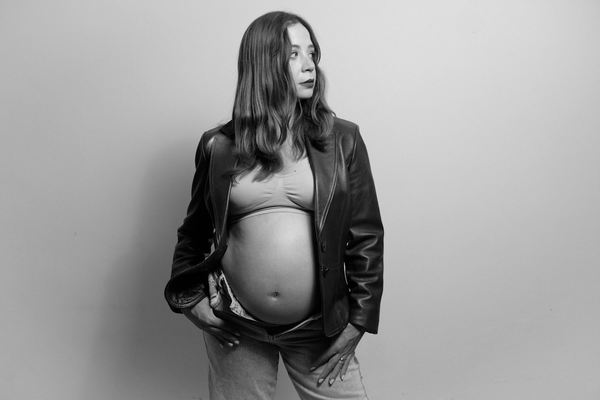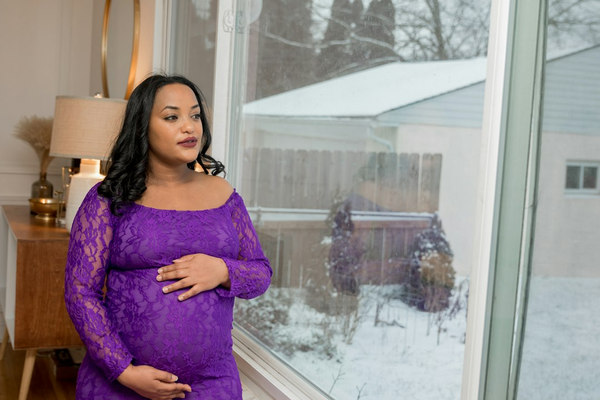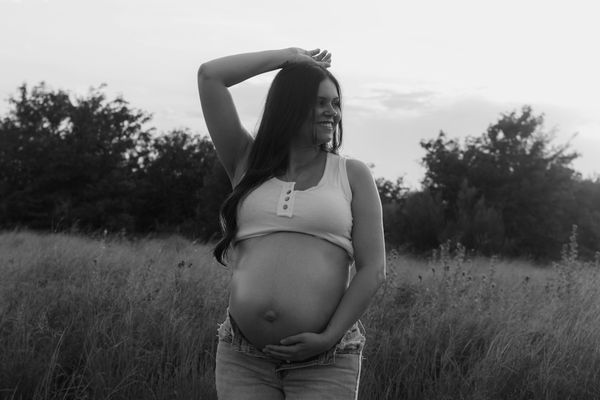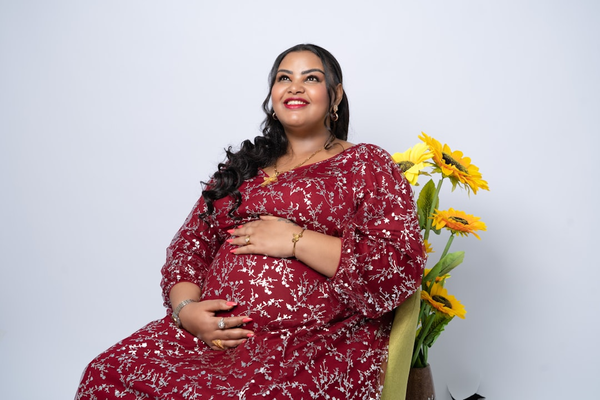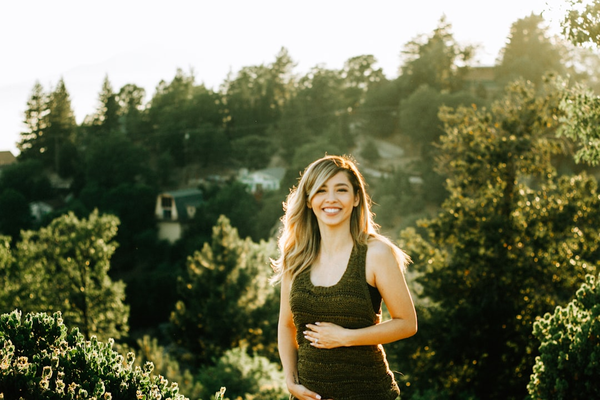
Wanting maternity photos without posting them anywhere, and wanting your face left out of the frame entirely, are both completely reasonable — you don't need a specific reason for either one. Maybe you work somewhere that makes broadcasting a pregnancy complicated, maybe you've simply never wanted your image online, maybe a past experience has made you more cautious about visibility than most people around you, or maybe it's just a preference with no story behind it at all. Below: how the actual data-handling side of this works when you use an AI maternity photo generator, and real photo techniques for leaving your face out of the shot without losing the emotional impact of the image.
Key takeaways
- Nothing you generate is posted anywhere publicly by default — any public sharing is something you'd have to actively choose to do
- Your uploaded photo and generated images are stored to provide the service, with access controls, and you can request deletion by contacting support directly
- Your personal, identifiable information isn't used to train AI models without your explicit consent — though anonymous, non-identifying usage data may be used to help improve the underlying models
- You can get a genuinely beautiful maternity photo without your face ever appearing in it, using framing and pose choices rather than editing your face out afterward
How the privacy side of this actually works
It's worth being precise here rather than vague, since this is exactly the kind of claim that should be checked against the actual policy rather than taken on faith. According to AI Maternity Photoshoot Lab's privacy policy: generated images and the prompts used to create them are "stored securely with appropriate access controls," and the service temporarily stores and processes your images specifically to generate your result — not for any purpose beyond that. You have the right to request deletion of your personal information and generated content by contacting support directly; the policy doesn't specify an automatic deletion timeline, so if you want something removed, reaching out is the way to make that happen rather than assuming it clears on its own after a set period.
On the question of AI training specifically: the policy states plainly that personal information is not used for model training without your explicit consent. Separately, anonymous, non-identifying usage data may be shared with AI model providers or used to improve the service — this is a real distinction worth understanding rather than glossing over, since "your photo trains the AI" and "anonymous usage patterns help improve the service" are genuinely different things, and the policy is specific about which one applies to your actual personal content.
What "private" actually means in practice
Using the tool doesn't put your photo anywhere public. The policy mentions that users "may choose to share images in public galleries" — the word choose is doing real work there: any public gallery or showcase feature is opt-in, not a default outcome of generating a photo. If you upload a photo and generate a result, that result is yours; nothing about the process posts it to social media, a public gallery, or anywhere else on your behalf. If you want your maternity photo to exist only on your own device, that's exactly what happens unless you take a separate, deliberate action to share it somewhere.
A useful comparison: a traditional photography session, privacy-wise
It's worth noticing that a live session with a hired photographer involves its own chain of people handling your images, often more than generating a photo from your own device does. A studio photographer typically stores your photos on their own computer or cloud backup, may use a separate editor or retoucher who also gets access to the files, and often keeps a copy in their own archive for portfolio or record-keeping purposes long after your session ends — all before you've said anything about how those images should or shouldn't be used. That's not a criticism of photographers generally, most of whom handle client images responsibly, but it is a real point of comparison: working from a photo already on your own device, generated through a service with a stated policy on storage and deletion, involves a different and often shorter chain of people with access to your image than a traditional session does.
Keeping the rest of the process private too
The data-handling side only covers part of this. If staying private matters to you, it's worth being deliberate about where you save the final image too — a photo saved only to your own device, rather than a shared family cloud album or a group chat, stays under your control in the most literal sense. If you do want to share it with specific people, sending it directly rather than posting it anywhere semi-public (even a "private" social media story visible to hundreds of connections) keeps the circle exactly as small as you intend it to be.
Actually requesting deletion, step by step
If you want a specific photo, prompt, or your account's generated content removed, the practical step is contacting support directly at the email address listed in the privacy policy and stating clearly what you'd like removed. Being specific helps: mention the account email you used, roughly when the image was generated, and exactly what you want done — full account deletion, removal of a specific image, or something else. A request like "please delete all generated images and prompt history associated with [email]" is far easier to act on quickly than a vague "please remove my data." This is a manual process based on what the policy currently describes, not an automatic self-service delete button, so building in a little time for a response is realistic — treat it the way you would any support request to an online service, not an instant toggle.
Maternity photos without showing your face
Separate from the data-privacy question entirely, plenty of people want their face left out of the photo itself — for personal preference, workplace privacy, general comfort with visibility, or no particular reason at all. Several genuinely striking techniques accomplish this without the result feeling like something is missing:
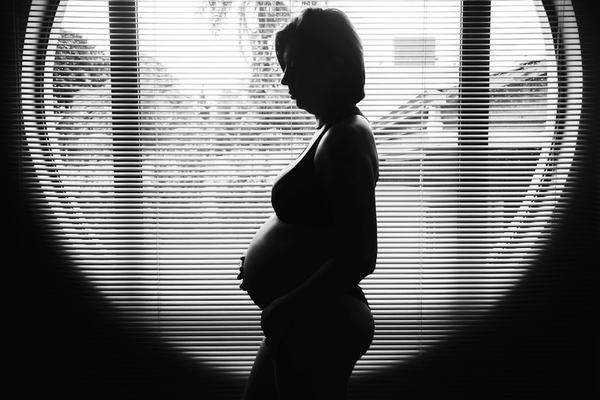
- The silhouette. Standing between the camera and a bright window turns your entire shape into a soft outline, with your face reduced to a shadowed profile rather than a recognizable feature. This is one of the most popular maternity poses precisely because of how striking it looks, not as a workaround.
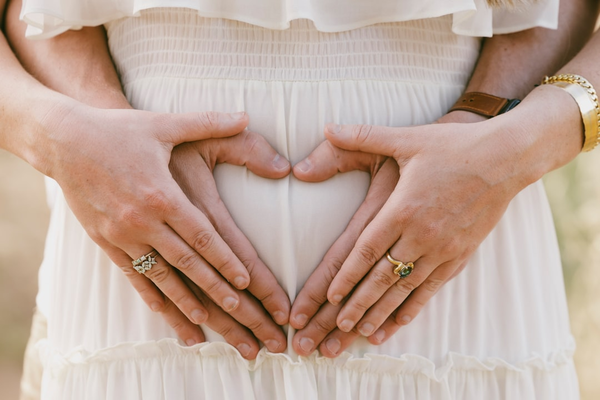
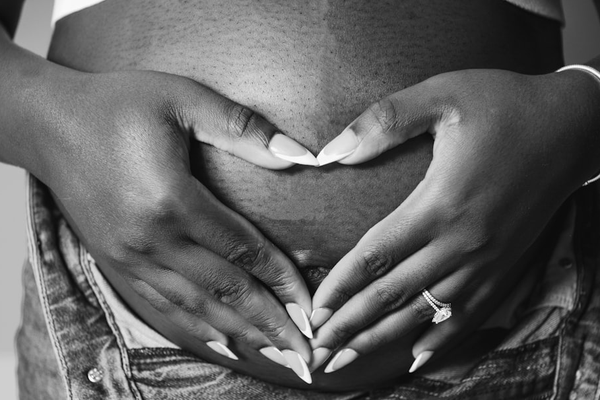
- Hands-only or belly-only framing. A close, cropped shot of your hands resting on your belly — alone, or with a partner's hands added — keeps the emotional core of a maternity photo (the belly, the gesture, the anticipation) while your face never enters the frame at all.
- Back-to-camera or over-the-shoulder shots. Facing away from the camera, especially in a flowing outfit, still clearly reads as a maternity portrait through posture and shape.
- Looking down or away, tightly cropped below the eyes. A shot cropped at the nose or chin, focused on your smile or your hand near your face, gives a sense of expression and warmth without a fully identifiable face.
- Detail shots. A close-up on an ultrasound photo held near your belly, tiny baby shoes, or your hands alone against fabric all read clearly as part of a maternity story without needing a face in any of them.
- A wide shot with your face genuinely too small to identify. A full-body pose taken from enough distance, especially outdoors, can include your general shape and setting while your specific facial features simply aren't resolvable at that scale.
- A hat, scarf, or hood pulled forward. For a candid, in-motion style photo, a hat brim or hood naturally shadows your face without it reading as a deliberate concealment — it just looks like a normal, unposed moment.
None of these require any editing after the fact to remove or blur a face that's already visible — the framing itself does the work from the moment the photo is taken (or the moment you choose which existing photo to use as a source for an AI-generated result), which tends to look more natural than a face blurred out or covered in post-production.
Putting both concerns together
These two things — how your data is handled, and whether your face appears in the final image — are genuinely separate, and it's worth being precise about where each one applies. If your priority is a face-free final photo specifically, the DIY techniques above (silhouette, hands-only framing, back-to-camera) are the direct route, since you control the framing completely yourself. If you're using an AI maternity photo generator like AI Maternity Photoshoot Lab, it's worth knowing honestly that the source photo you upload needs to meet the tool's own requirements, which include a clear, front-facing shot with your face visible — so this specific tool isn't the path to a fully face-free result starting from a faceless source photo. What it does offer is the data-handling side described above: secure storage, no public posting by default, and deletion available on request, regardless of what the photo itself shows.
Worth being upfront about, as with any use of the tool: results depend on your source photo's clarity, so a sharp, well-lit, front-facing shot produces a better result than a dim or angled one. It works from a single portrait, so it can't merge in a separate photo of a partner. New accounts get 30 complimentary credits, and photos that don't meet basic requirements are auto-blocked before any credits are used, so there's no cost to checking whether your specific photo works.
Frequently asked questions
Q. Are maternity photos I generate ever posted publicly without my knowledge? A. No. Any public gallery or sharing feature is something you'd have to actively opt into — generating a photo doesn't post it anywhere on its own.
Q. Can I request that my photos be deleted? A. Yes. Contact support directly and specify what you'd like removed. This is handled as a request rather than an instant automatic process, so allow some time for a response.
Q. Is my photo used to train the AI model? A. Your personal, identifiable information is not used for model training without your explicit consent. Anonymous, non-identifying usage data may separately be used to help improve the service — a distinct thing from your specific personal photo.
Q. How can I get maternity photos without showing my face? A. Silhouettes against a bright window, hands-only or belly-only close-ups, back-to-camera shots, and detail shots (an ultrasound photo, baby shoes) all produce genuinely striking maternity images without your face appearing in them.
Q. Does the AI tool require a photo with my face visible? A. Yes — the source photo needs to be a clear, front-facing shot with your face visible to meet the tool's requirements. If a fully face-free result matters more to you than using this specific tool, the DIY framing techniques above are the more direct route.
Q. Is it normal to not want to share pregnancy photos on social media? A. Completely. Plenty of people document a pregnancy privately, for a partner, family, or simply themselves, with no intention of posting anything publicly — that's a common choice, not an unusual one.